Your Personal Streaming Service

SuperPlex

Better than the rest. Thousands of movies, zero ads, and the ability to request anything you want.

5,000+
Movies
800+
TV Shows
16TB
Storage
$0
Ads
New here?

What even is Plex?

Plex lets people share their film and TV libraries with friends and family. Think of it as a private Netflix — install the app, sign in with the account we've set up for you, and you're watching within minutes.

What you get

Everything you need.
Nothing you don't.

🍿

Better Than Netflix

Thousands of the best movies and TV shows, always growing.

📝

Request Anything

Can't find something? Request it — downloaded and ready within hours.

📚

Massive Library

16TB of storage with 5,000+ movies and 800+ shows, growing daily.

🚫

Zero Ads

No pre-rolls. No mid-rolls. No upsells. Pure uninterrupted streaming.

🌍

Watch Anywhere

Phone, tablet, laptop, or smart TV — stream from anywhere in the world.

📲

Offline Downloads

Save content to watch without internet. Perfect for travel.


SuperPlex+

Unlock Live TV.

SuperPlex+
$5
Per month · AUD
  • Live TV — Foxtel, PPV, Free-to-air, and more
  • Priority request processing
  • Access to premium content libraries

Secure payment via PayPal. Toggle recurring at checkout. After paying, message us — your account activates within 24 hours.


Get started

Up and running
in three steps.

01

Download the Plex app

Install Plex on whatever you're watching on — phone, tablet, TV, or browser.

02

Sign in with your details

Use the username and password we sent you — just the credentials we gave you.

03

Hit play

You're in. Can't find something? Request it via Overseerr.


Download Plex

Available everywhere.

🍎iOS 🤖Android 💻Desktop 📺Smart TV / Fire Stick

Best quality

Get the most
out of Plex.

Plex sometimes defaults to lower quality. Fix it in under a minute.

Disable trailers

Settings → Experience → untick Show cinematic trailers.

Force original quality

Settings → Playback → set Automatic to Original.

Use wired connection

Ethernet eliminates buffering and unlocks stutter-free 4K.


Recommended hardware

The best
Plex experience.

  • Supports 4K Ultra HD streaming
  • Flawless playback — no buffering or transcoding issues
  • Easy setup and reliable performance
  • Supports casting from your phone
⚠️ Why we don't recommend Chromecast

Chromecasts don't meet the power requirements Plex needs. Buffering and poor 4K playback are common. The Fire Stick fixes all of this.
📦

Amazon Fire TV
Stick 4K Max

The best SuperPlex experience, even without a 4K TV.

🛒 Buy on Amazon

Request content

Can't find it?
Request it.

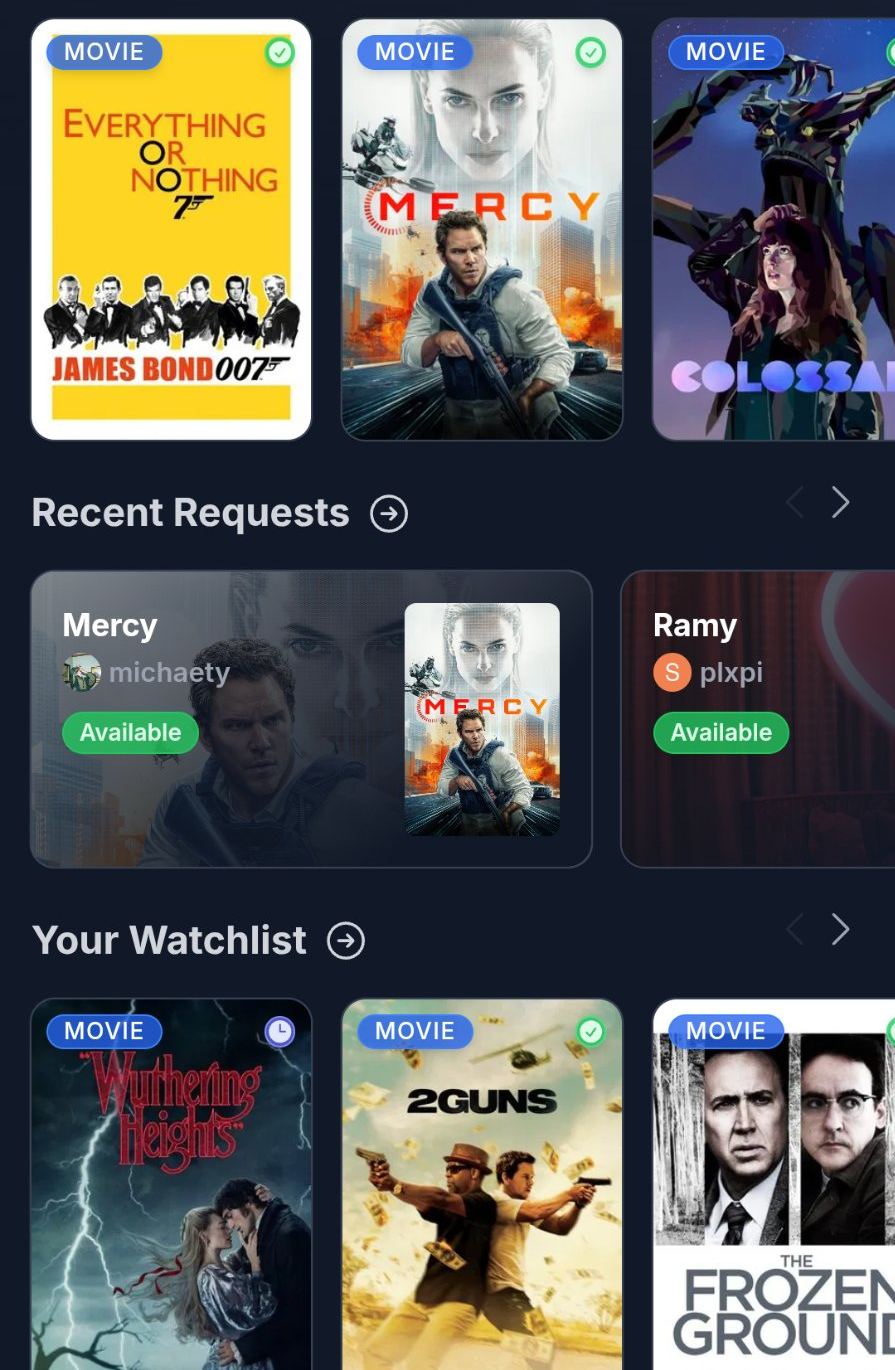
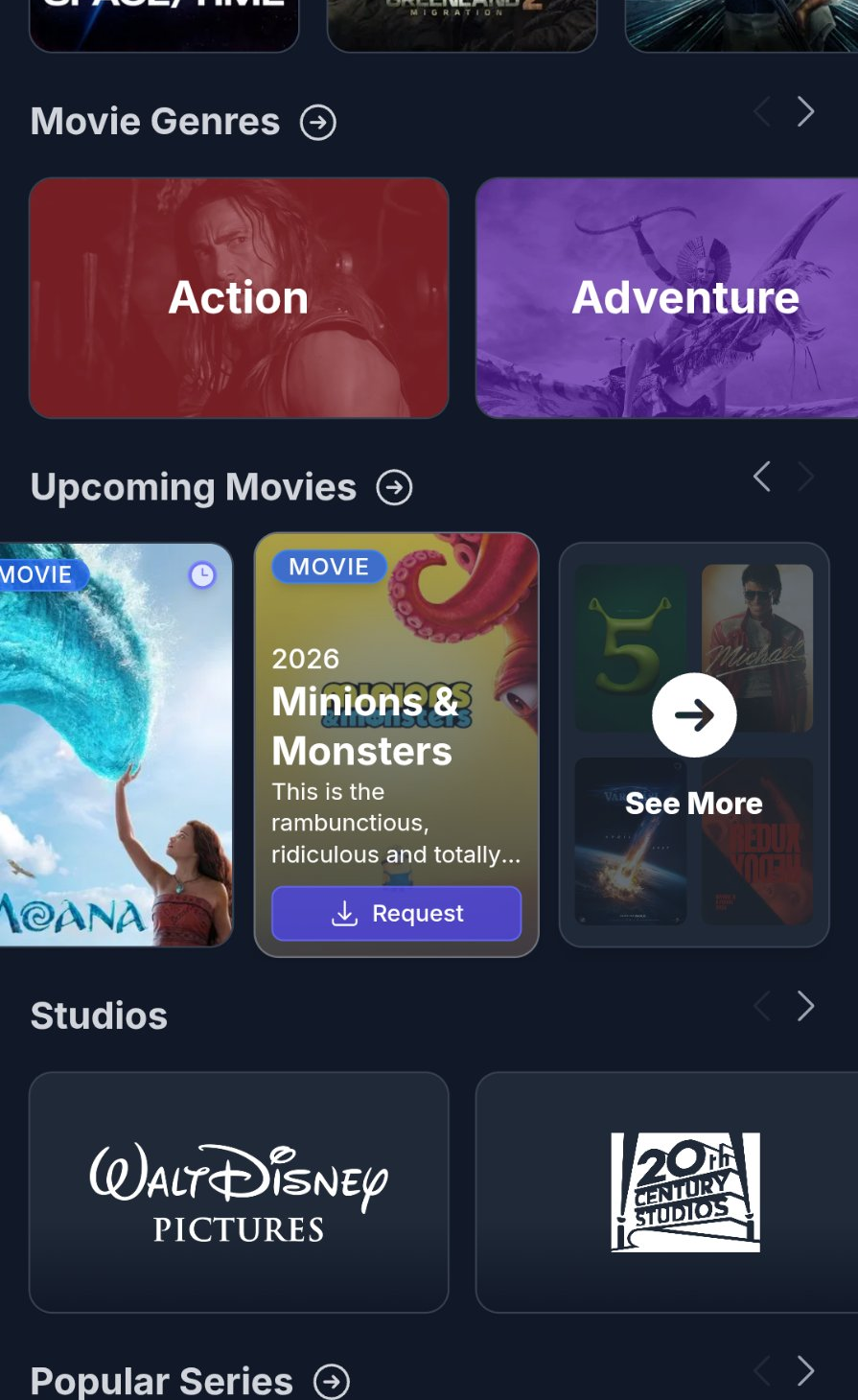
Overseerr is your content request portal. Search for any movie or TV show, hit Request, and it's added automatically.

01

Go to Overseerr

Visit requests.superplex.org

02

Sign In

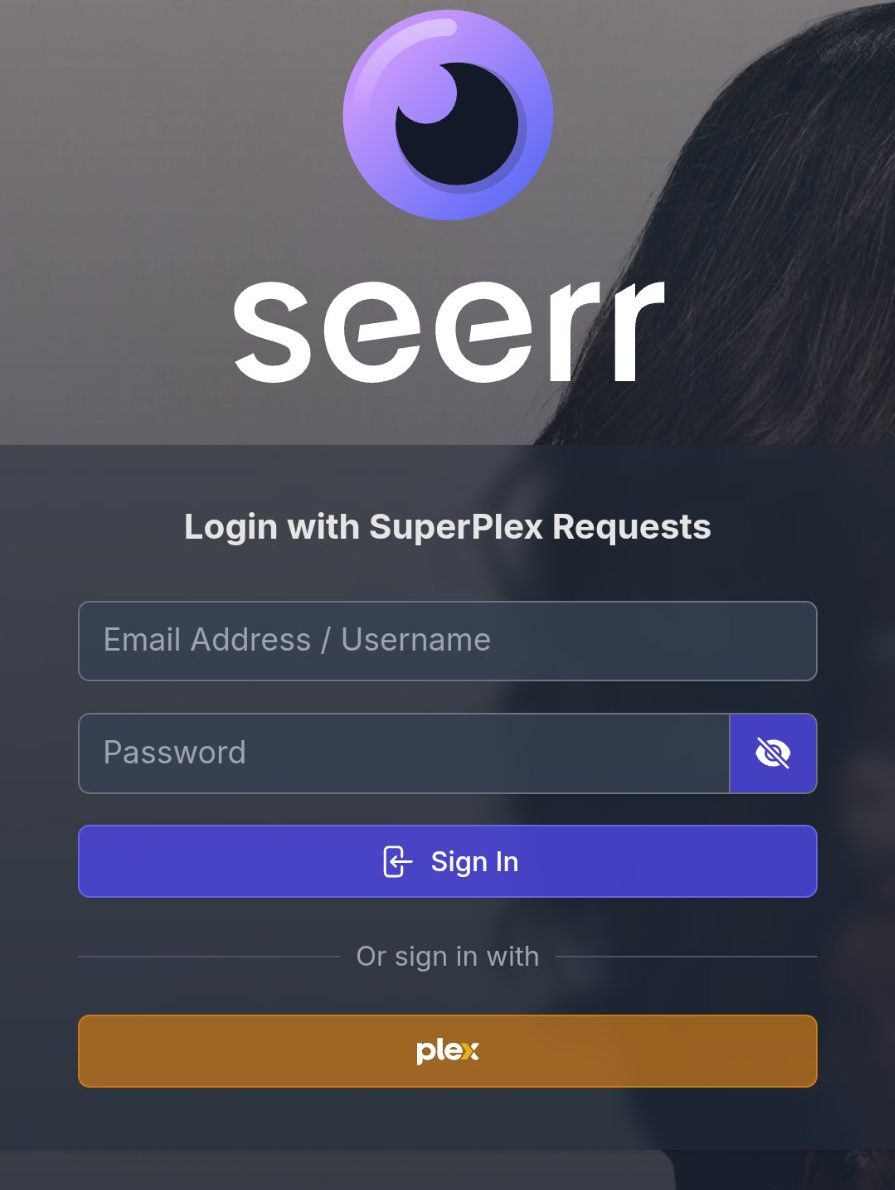
Click "Sign in with Plex" and use your credentials

03

Search

Find any movie or TV show

04

Request

Hit Request — you'll be notified when it's ready

Most content

Added within 1–6 hours

Older or rare titles

Up to 24–48 hours

New episodes

Automatically added as they air

Check if content is already available before requesting

TV shows download entire seasons automatically

Track your requests from the Overseerr dashboard

Open Overseerr →

Easy Access

Add Overseerr to Home Screen

Install the SuperPlex request portal as an app on your phone or tablet for quick access.

📱 iPhone / iPad

  • Open Safari and go to requests.superplex.org
  • Tap the Share button (square with arrow)
  • Scroll down and tap "Add to Home Screen"
  • Tap Add in the top right
  • The SuperPlex Requests icon will appear on your home screen
  • 💡 Tip: This works like a native app - no browser bars, just pure SuperPlex!

    🤖 Android

  • Open Chrome and go to requests.superplex.org
  • Tap the menu (3 dots) in the top right
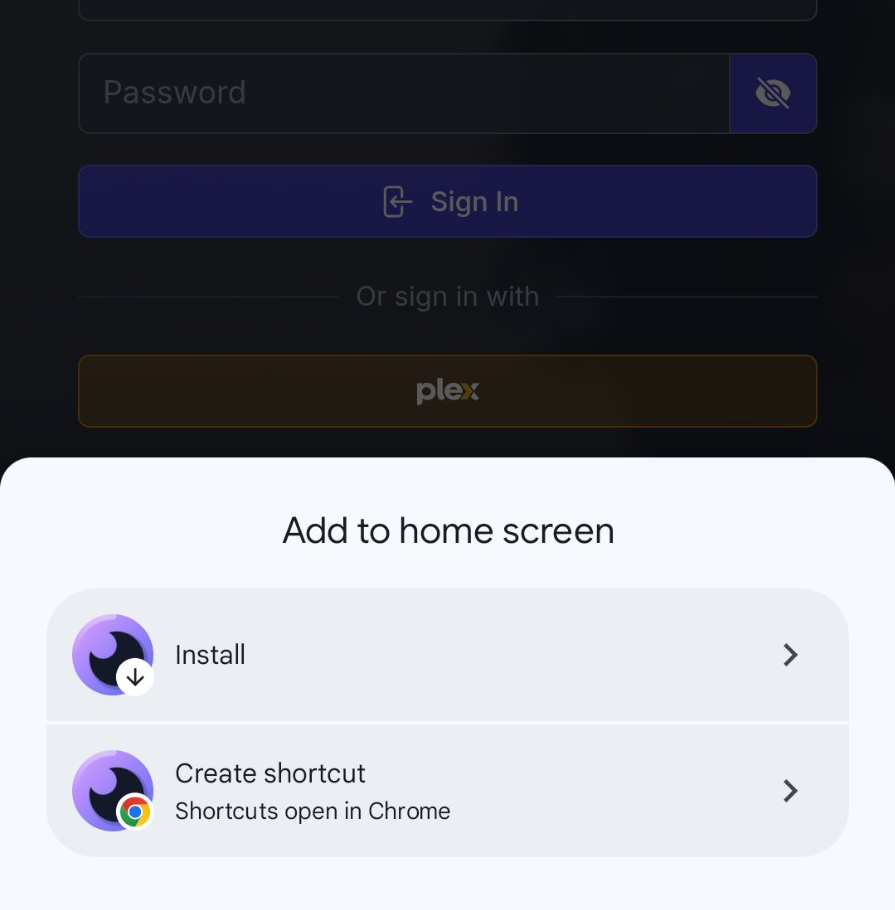
  • Select "Add to Home screen" or "Install app"
  • Tap Add or Install
  • The SuperPlex Requests icon will appear on your home screen
  • 💡 Tip: You can also install it from the popup that appears when you first visit the site.

    💻 Desktop (Chrome/Edge)

  • Visit requests.superplex.org in Chrome or Edge
  • Look for the install icon (⊕ or computer) in the address bar
  • Click it and select Install
  • Overseerr will open in its own window like a desktop app
  • 🍎 Mac (Safari)

  • Open Safari and go to requests.superplex.org
  • Click File in the menu bar
  • Select "Add to Dock"
  • The SuperPlex Requests app will appear in your Dock
  • ✨ Why install as an app? Faster access, no browser clutter, and push notifications when your requests are ready! Works offline too for browsing your request history.